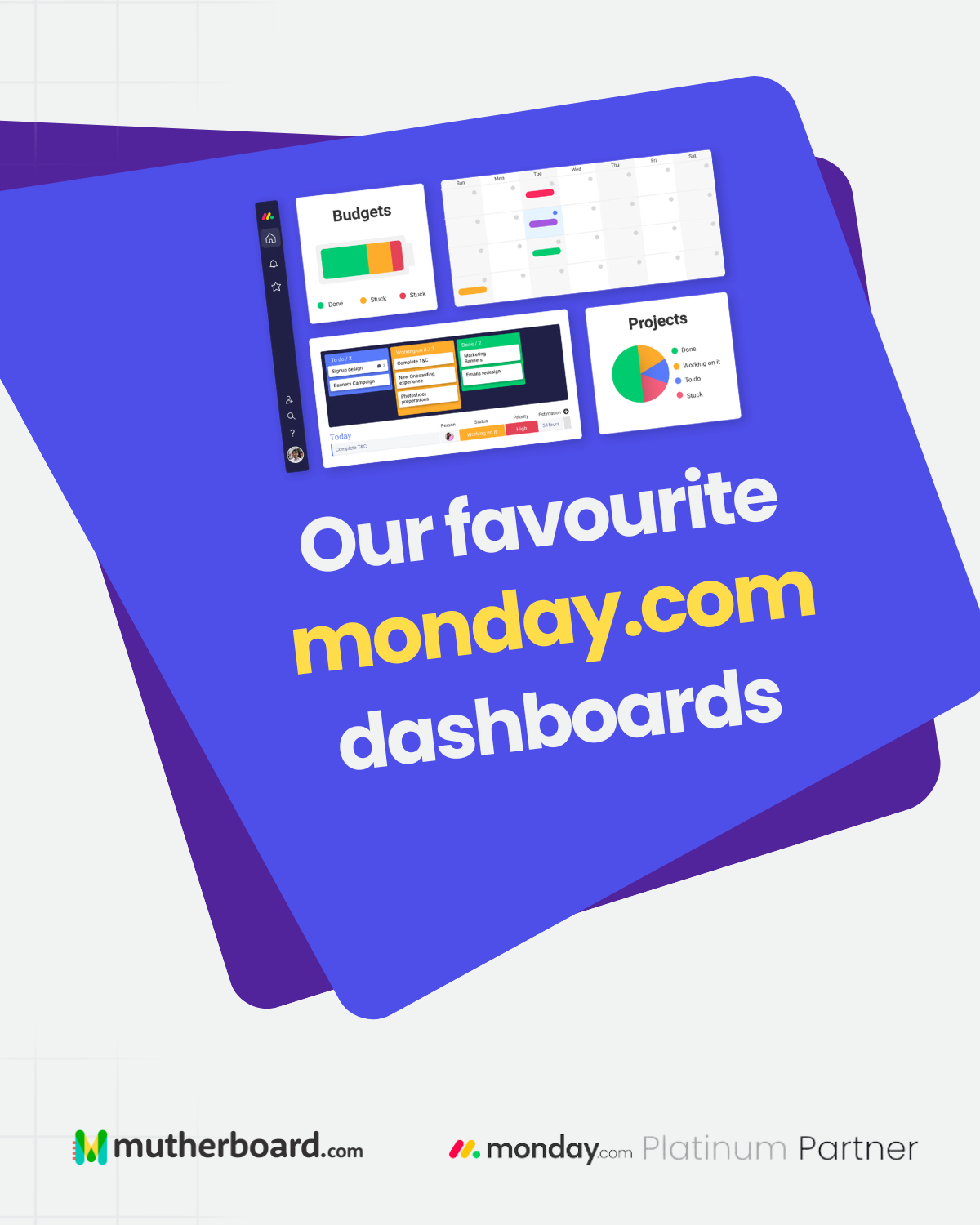
There is a lot happening in any business at any given time. Projects are moving forward, teams are juggling priorities, targets are being tracked and leadership needs to know whether everything is heading in the right direction. The challenge is getting a clear picture of it all without spending half the day chasing updates.
That is where dashboards come in.
When used well, monday.com dashboards bring the information that matters into one place, helping teams understand progress, identify potential issues and make more informed decisions. Whether you are tracking business performance or managing a portfolio of projects, the right dashboard can make it much easier to see what is happening and decide what needs attention.
Here are three ways to get more value from your monday.com dashboards.
1. Keep Business Goals and KPIs in Sight
Setting targets is one thing. Keeping track of whether you are actually achieving them is another.
A KPI and performance dashboard gives you a clear view of your business objectives, the metrics you are measuring and how your results compare with your targets. Instead of waiting until the end of the quarter to discover that something has gone off course, you can monitor progress as it happens and take action when needed.
With key results updated by the people responsible for them, your dashboard can bring those individual contributions together into a broader picture of performance.
This makes it easier to recognise progress, identify areas that need attention and keep everyone focused on the outcomes that matter most.
2. Give Leadership a Clearer View of the Business
Business leaders need more than a collection of individual project updates. They need to understand how different teams are performing, where risks are emerging and whether workloads are manageable.
An executive or portfolio dashboard can bring these details together, giving leadership a more complete view of progress across the organisation. Rather than gathering information from multiple teams and systems, decision-makers can access relevant updates in one place.
Dashboards can also be tailored to different needs. A director overseeing a particular department, for example, can focus on the information most relevant to their area while still having access to the wider business picture.
The result is better visibility across teams, helping leaders make decisions based on current information rather than assumptions or last-minute updates.
3. Keep Projects Moving in the Right Direction
Even the best project plan needs regular attention. Deadlines change, priorities shift and team members can quickly become overloaded when several projects demand their time.
A project management dashboard helps project leads keep an eye on the details without losing sight of the bigger picture. By bringing milestones, deadlines, project owners and workloads into one view, it becomes easier to understand what is on track and where extra support might be needed.
For example, if a key milestone is approaching and the person responsible is already stretched across several other tasks, that information can prompt an early conversation about priorities or resource allocation.
Rather than reacting when a deadline has already been missed, project teams can use their dashboard to identify potential bottlenecks and make adjustments before they affect delivery.
A Simple Tip for Better Dashboards
It can be tempting to include every available metric, especially when there is so much useful information to track. However, a dashboard is most effective when it makes the important information easy to find.
Our recommendation is to aim for around five to eight key metrics per dashboard, depending on its purpose and complexity.
Start by asking what the dashboard needs to help someone understand or decide. Are they checking progress against targets? Monitoring project health? Reviewing team capacity? Choose the metrics that answer those questions and keep the layout focused on them.
You can always create separate dashboards for different audiences or objectives. A project manager and a business director might need different levels of detail, and there is no reason to make either sift through information they do not need.
Turn Information into Better Decisions
The real value of a monday.com dashboard goes beyond displaying numbers and charts. It is about making information useful.
When the right data is visible, teams can identify trends, understand where work is getting stuck and have more productive conversations about what needs to happen next. Leaders gain a clearer view of performance, while project teams can spend less time gathering updates and more time moving work forward.
Of course, dashboards are only as useful as the information behind them. Keeping data up to date, connecting relevant workflows and making sure everyone understands their responsibilities are all important parts of the process.
At mutherboard, we help businesses get more from their tools by improving how their systems, teams and workflows work together. That includes building practical monday.com solutions that give people the visibility they need to manage work with confidence.
Because when your information works together, making decisions becomes a whole lot easier.
Ready to get more from monday. com? Visit mutherboard. com to find out how we can help you build workflows and dashboards that work for your business.